First Choice Language PopUp is a convenient and effective module for OpenCart 4 that automatically displays a pop-up window (PopUp) for visitors to choose a convenient interface language on their first visit to the site. It is an indispensable solution for multilingual online stores that helps customers feel comfortable right away.
Why is this important for your store?
- Reduced bounce rate: Customers who land on a site in a language they don't understand will not look for a language switcher, but will simply close the page. The module offers language selection right away.
- Improving behavioral factors: A user-friendly interface from the first seconds encourages further interaction and ordering.
- Audience loyalty: A personalized approach demonstrates concern for the convenience of each buyer.
Main features of the module:
- Flexible display: The pop-up window is only shown to new site visitors on their first visit.
- Saving selection: After selecting a language, the data is written to the client session, so the window will no longer bother the user while browsing other pages.
- Target language selection: Ability to configure which language versions of the site the PopUp should appear in.
- Default language: Select the base language for the welcome screen itself.
- Quick testing: A quick session clearing button is available in the admin panel to check the window display.
- Full Responsiveness: The window design looks great on any device (smartphones, tablets, and desktops).
Installation and setup:
- Download the
fclp_wl.ocmod.zip archive through the standard "Installing Extensions" section in the OpenCart admin. - Refresh the modifier and template cache.
- Go to Extensions -> Plugins, find the "Initial Language Selection PopUp" plugin, install it, and click "Edit".
- Enable the module status, configure the necessary parameters, and save the changes.

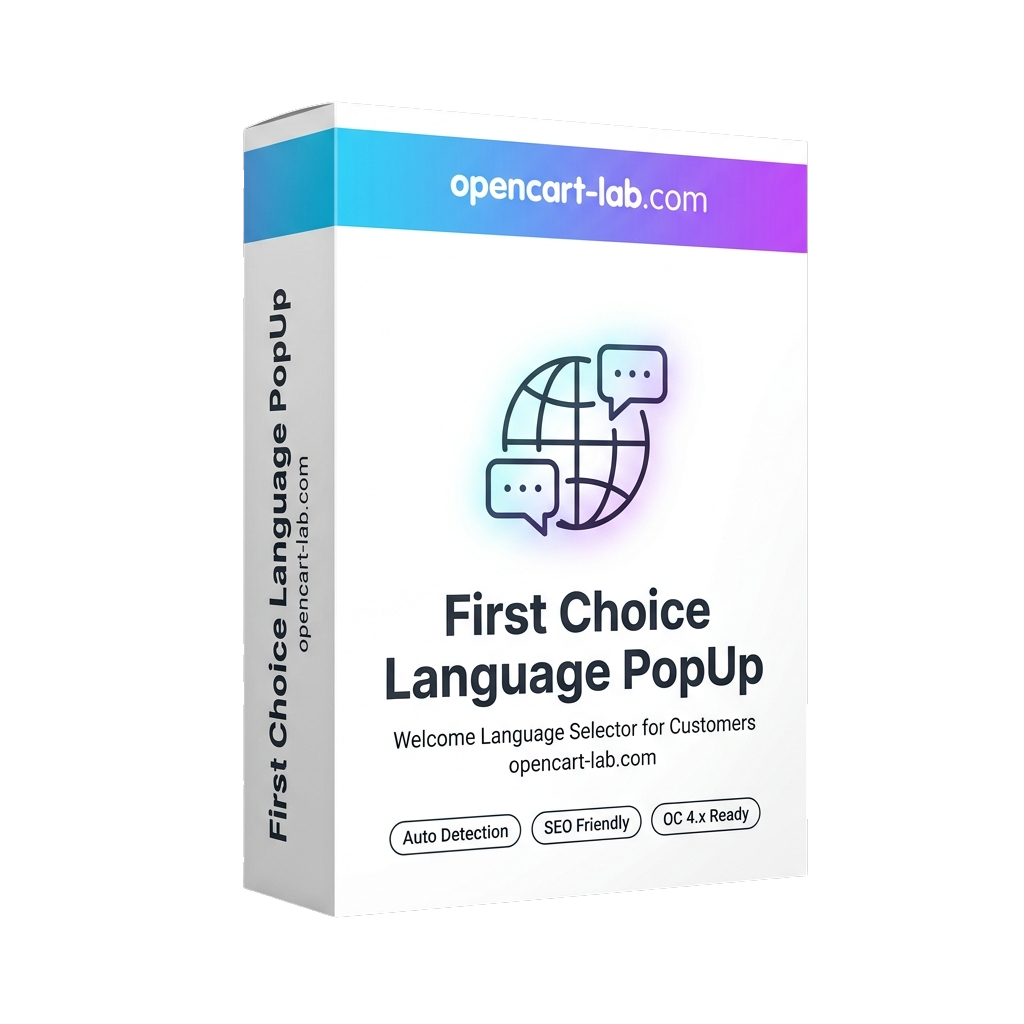 Module Initial Language Selection PopUp for OpenCart 4
