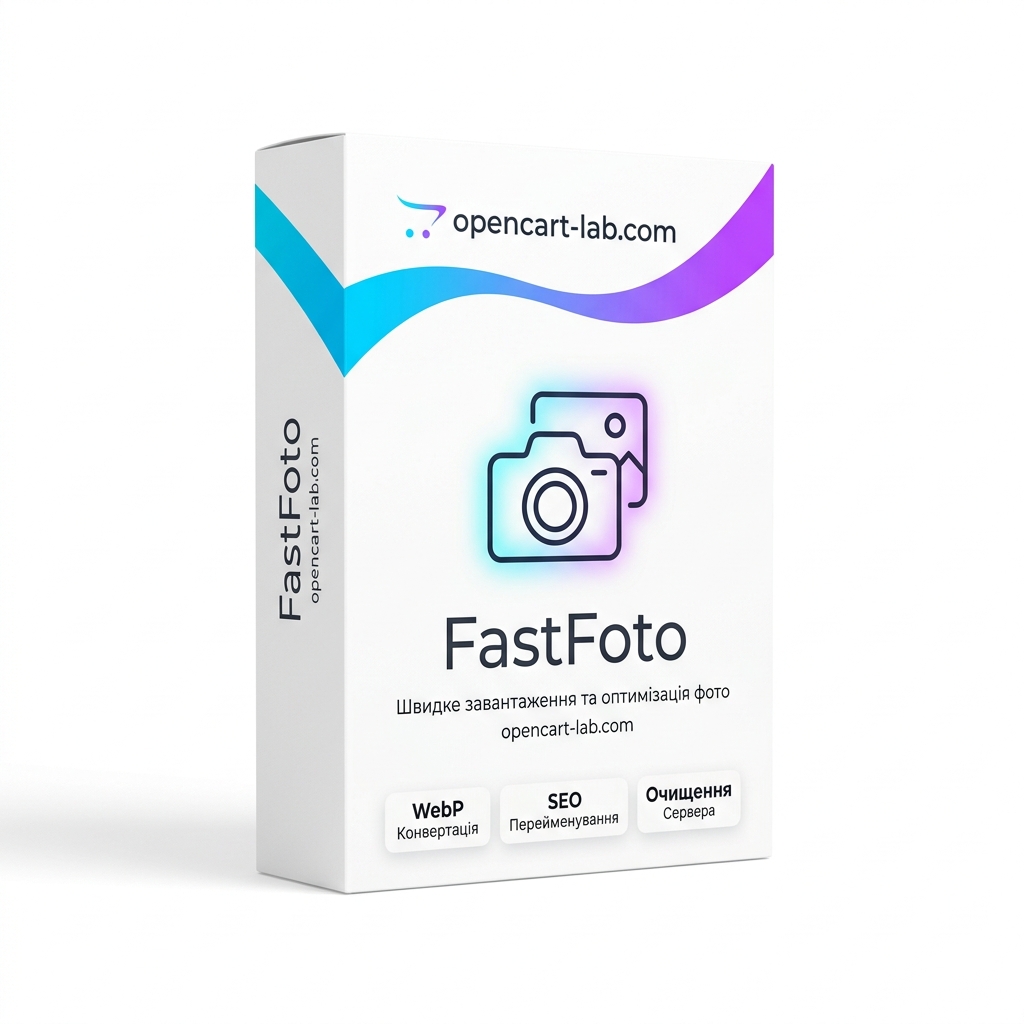
FastFoto — Module for fast loading, converting to WebP and cleaning the server
The FastFoto module is a tool for automating work with product images in OpenCart-based stores. It combines the functions of fast image loading, automatic image format optimization, generation of correct SEO file names, and server garbage removal.
Main features of the module:
- Multi-file upload (Drag & Drop): Allows you to upload images by dragging and dropping directly from the product edit card. No more need to open the slow standard OpenCart image manager.
- Automatic WebP conversion: All new images are converted to the next-generation WebP format when uploaded. This reduces the size of photos by up to 70% without losing quality and significantly increases the speed of loading website pages.
- SEO File Renaming: The module renames photos with transliteration based on the selected field (e.g. product name, model, or article number). This has a positive effect on image rankings in search engines.
- Cleaning the server from unnecessary images: The built-in service scans the folders on the server and compares them with the site database (including tables of categories, brands, options and vouchers). Unused files found are physically deleted.
- Background processing (AJAX): For large directories (from 100,000 to 500,000+ images), incremental background scanning and removal is implemented. The process is broken into batches, which eliminates server timeouts or browser hangs.
- Built-in photo editor: The content manager can crop (crop) the photo and rotate it left or right before saving.
Compatibility and requirements:
- Compatible with OpenCart 3.0.x (including ocStore and other builds on this version).
- Requires PHP version 7.1 to 8.2 with support for GD2 and WebP libraries for photo compression.
- Installed via the standard add-on loading interface (OCMOD) without overwriting system files.
Benefits of using FastFoto:
The module helps to free up hosting disk space by deleting old unused files that have accumulated during the operation of the store. Conversion to WebP helps to pass the Google PageSpeed check, and correct file names improve positions in image search results. The process of filling the store with new photos is accelerated several times.