
Quick assistance with any questions
Free updates for 6 months
Access files immediately after payment
Protected by security certificates
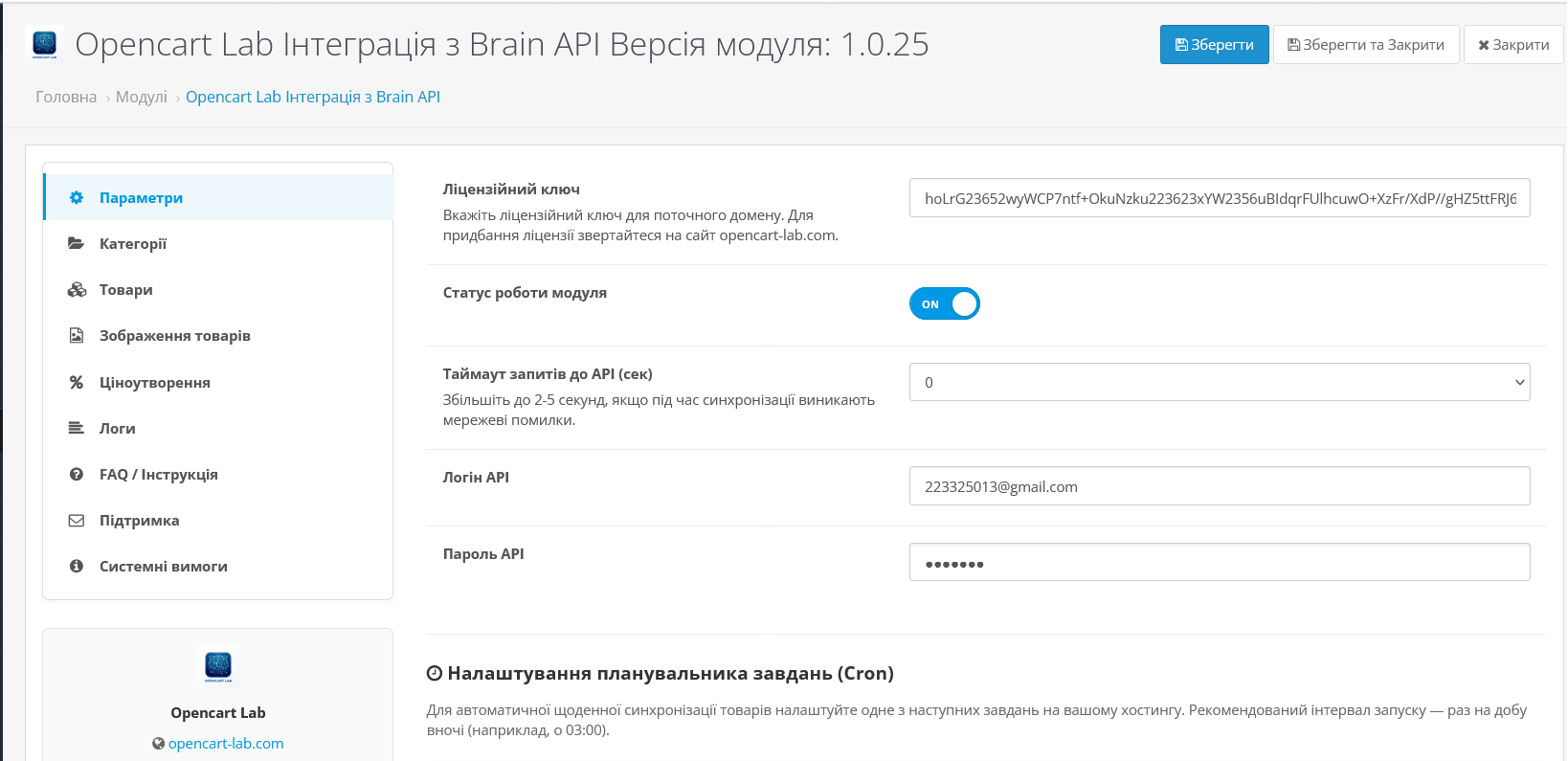
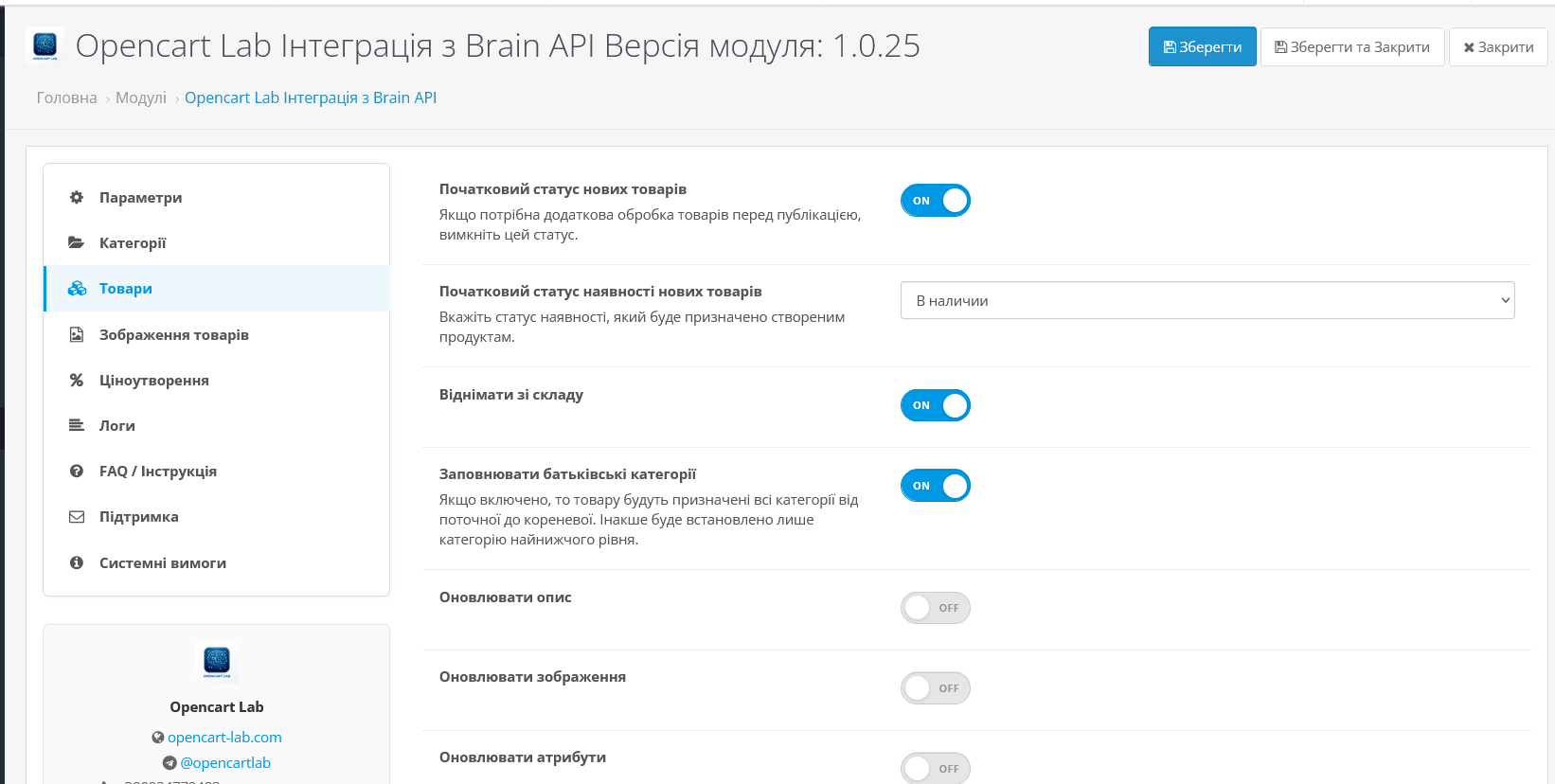
If you work with a Brain supplier and are tired of manually updating products, prices, and balances, this module solves the problem once and for all. It becomes a full-fledged bridge between Brain and your OpenCart store: new items appear independently, prices are updated on schedule, photos are uploaded automatically. You do business, and the system takes care of the routine.
The module is especially convenient for dropshipping and working with large catalogs - even several thousand products are synchronized without overloading the server and without stopping the site.
When creating or synchronizing products, the module automatically generates SEO-friendly addresses using one of three templates:
| Template | Example URL | Description |
|---|---|---|
| Disabled | — | URL is not generated, you control it manually |
| ID — Product name | 12345-laptop-asus | Guaranteed uniqueness thanks to product ID |
| Model — Product name | rt-n12-router-asus | Model and name in one URL — convenient for SEO |
| Product name only | notebook-asus-vivobook | The cleanest URL from the product name |
If the product already has an SEO URL, the module does not touch it. If the names match, a numeric suffix is automatically added: router-asus-1 , router-asus-2 , etc.
Synchronization is divided into three independent steps — this eliminates timeouts and excessive server load:
Supported launch methods: direct CLI call, cPanel / ISPmanager, Web trigger.
| Possibility | Availability |
|---|---|
| Automatic creation of new products with Brain API | ✓ |
| Fast price and balance updates (no timeouts) | ✓ |
| Updating descriptions, attributes, manufacturers | ✓ |
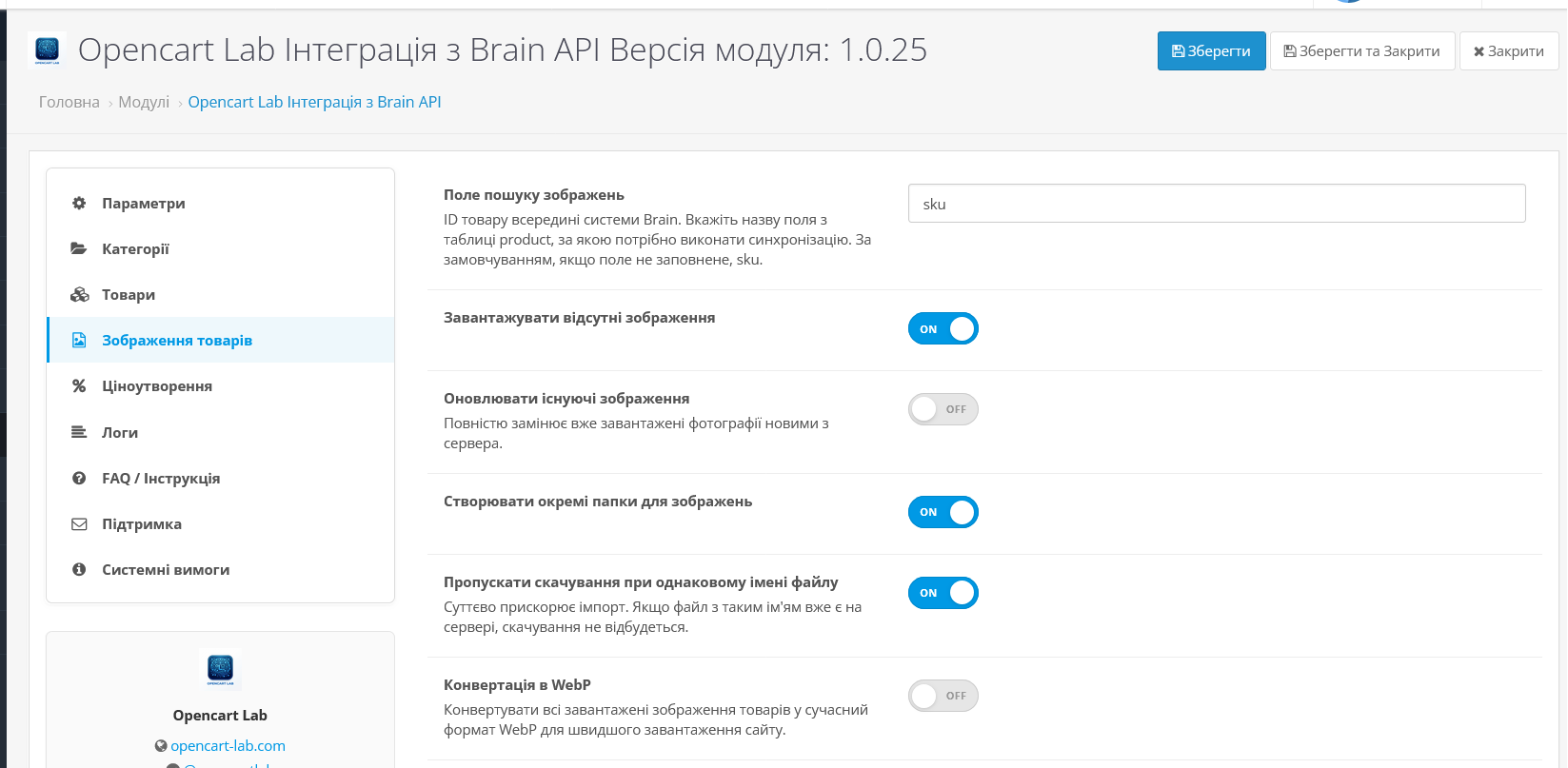
| Upload and update product images | ✓ |
| WebP image conversion | ✓ |
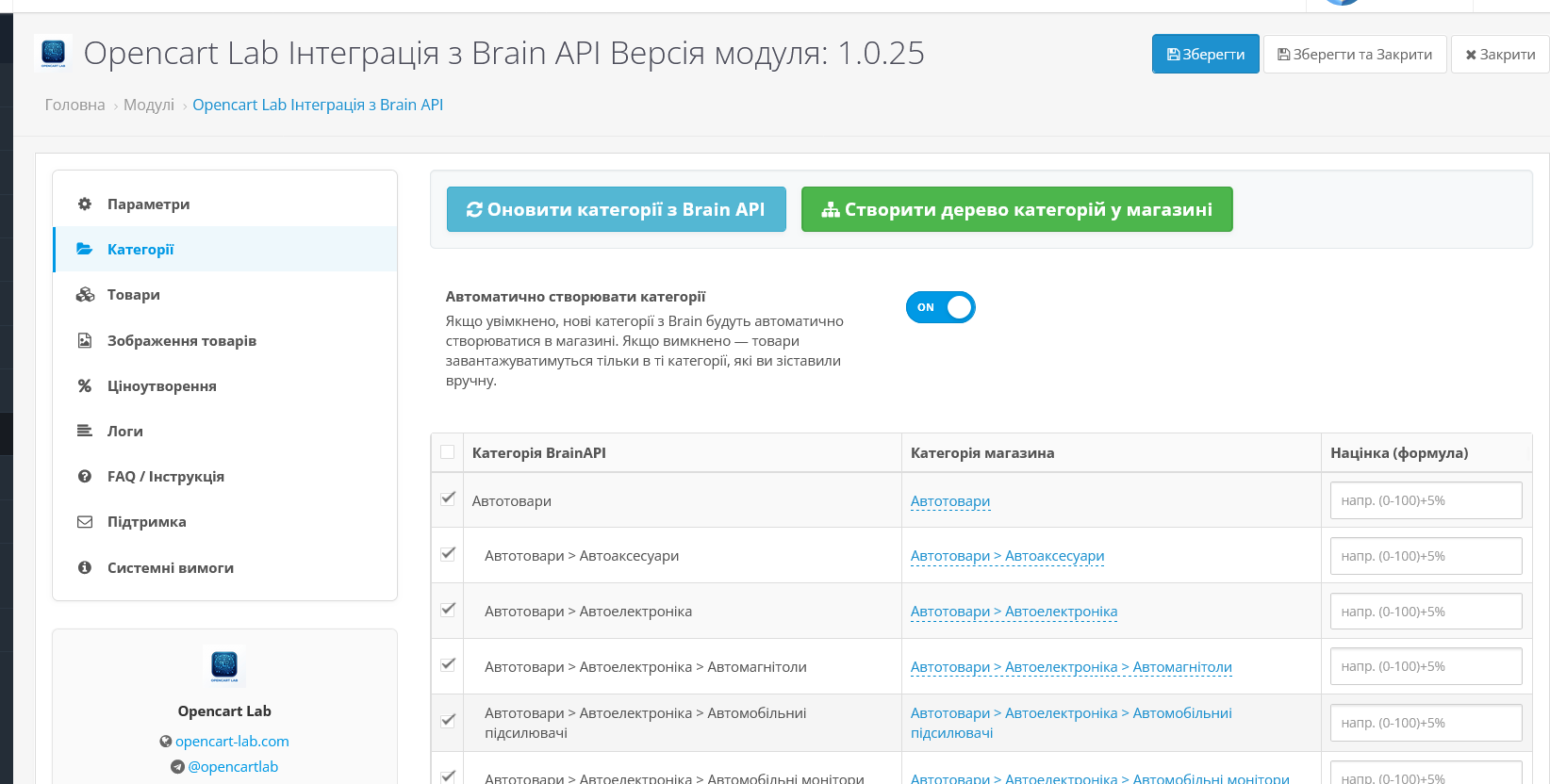
| Category mapping (Brain → OpenCart) | ✓ |
| Automatic creation of category tree | ✓ |
| Limiting the depth of category nesting | ✓ |
| Product filters (Ocfilter and similar) | ✓ |
| Formula surcharges for price ranges | ✓ |
| Category allowances + global rules | ✓ |
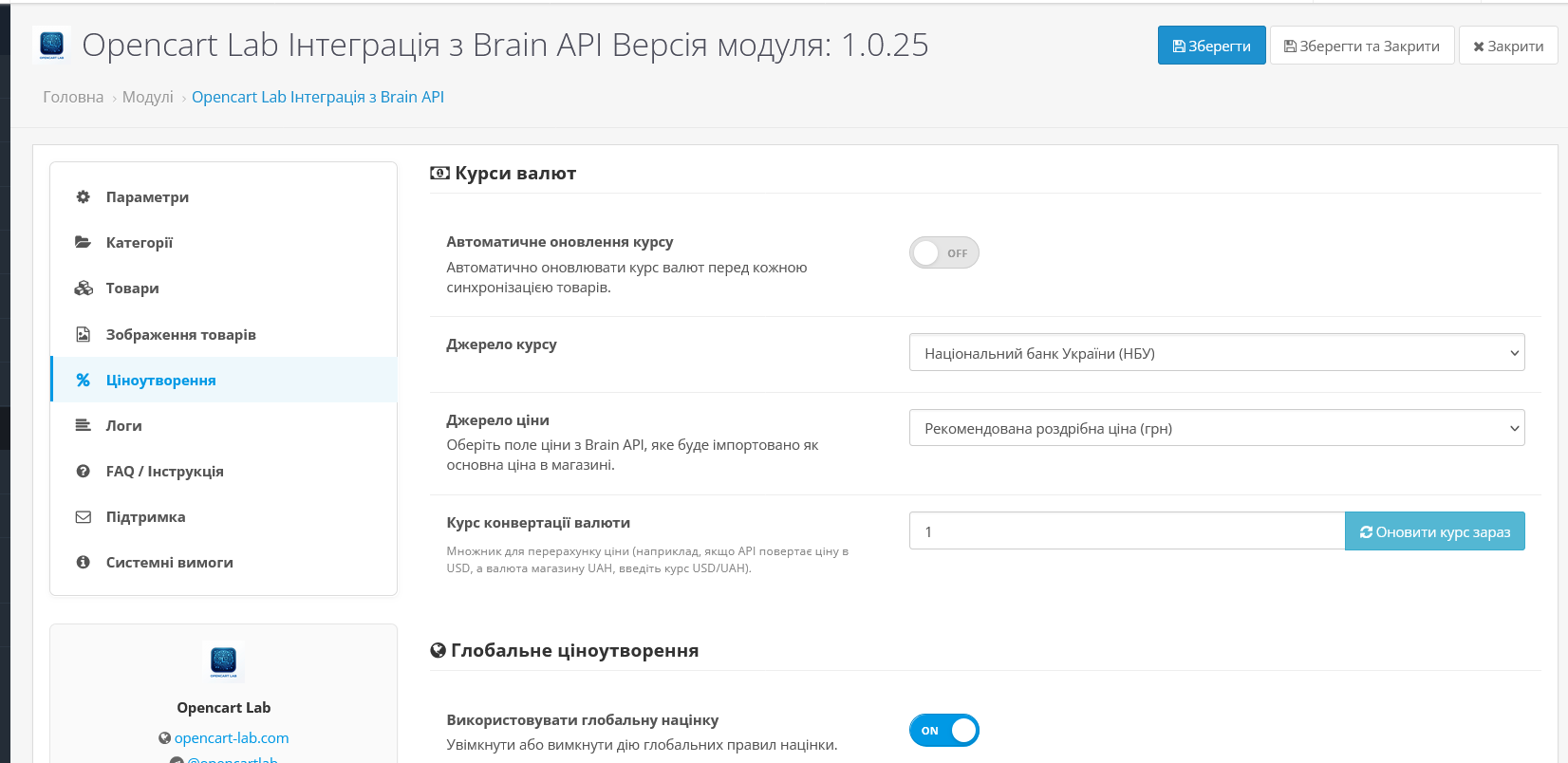
| Auto currency exchange rate (NBU / PrivatBank / Mono) | ✓ |
| Safety margin threshold | ✓ |
| Minimum price for import | ✓ |
| In stock only filter | ✓ |
| SEO URL Autogeneration (CPU) — new v1.0.2.0 | ✓ |
| SEO Templates: ID-Name, Model-Name, Name Only | ✓ |
| Protecting existing SEO URLs from being overwritten | ✓ |
| Manual synchronization (AJAX, no reload) | ✓ |
| Multi-threaded startup (2–3 threads) | ✓ |
| Cron: CLI, cPanel, Web-trigger | ✓ |
| Two-step price update (no timeouts) | ✓ |
| Brain syllable selection (targetID) | ✓ |
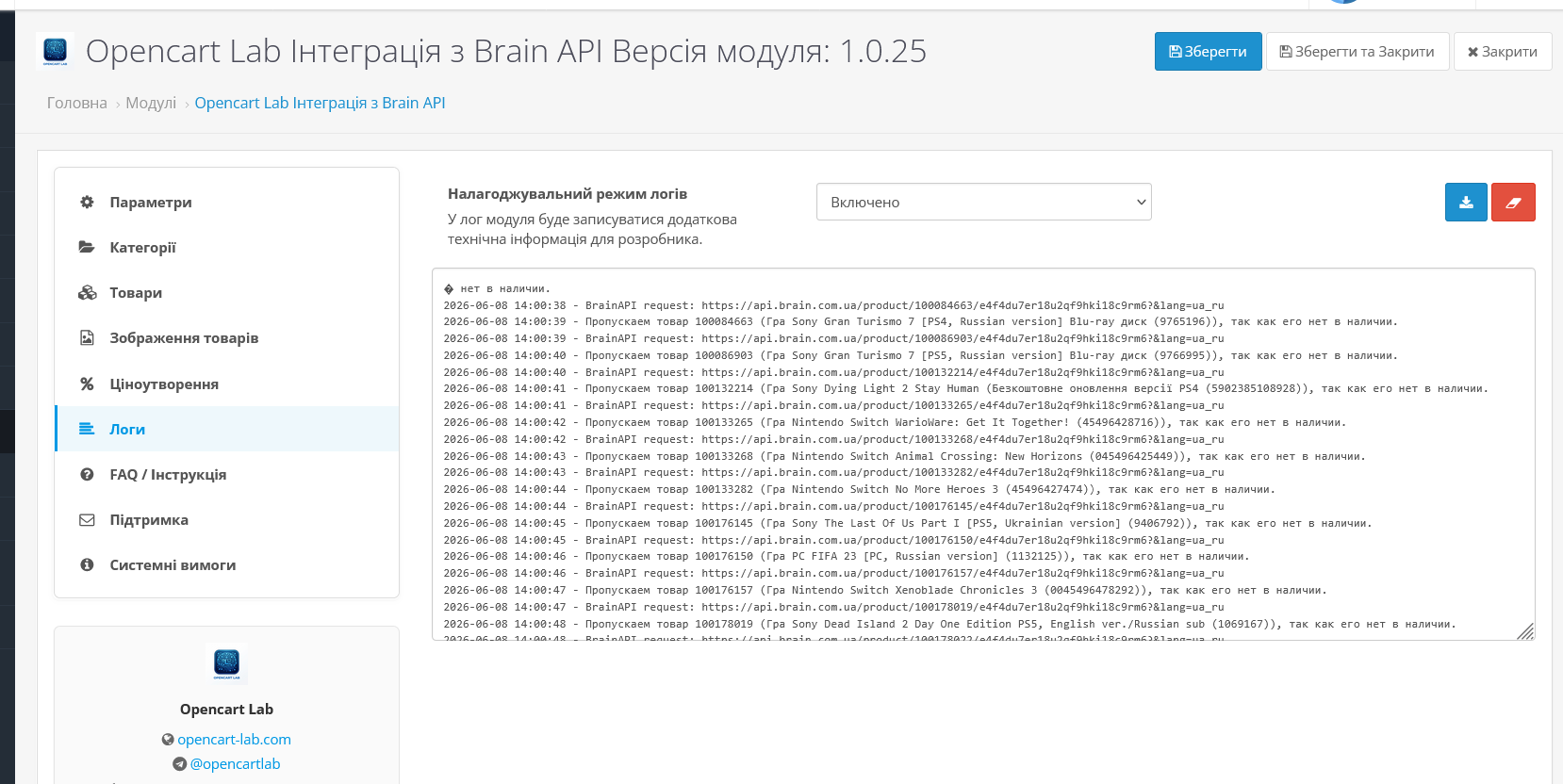
| Sync log (update history) | ✓ |
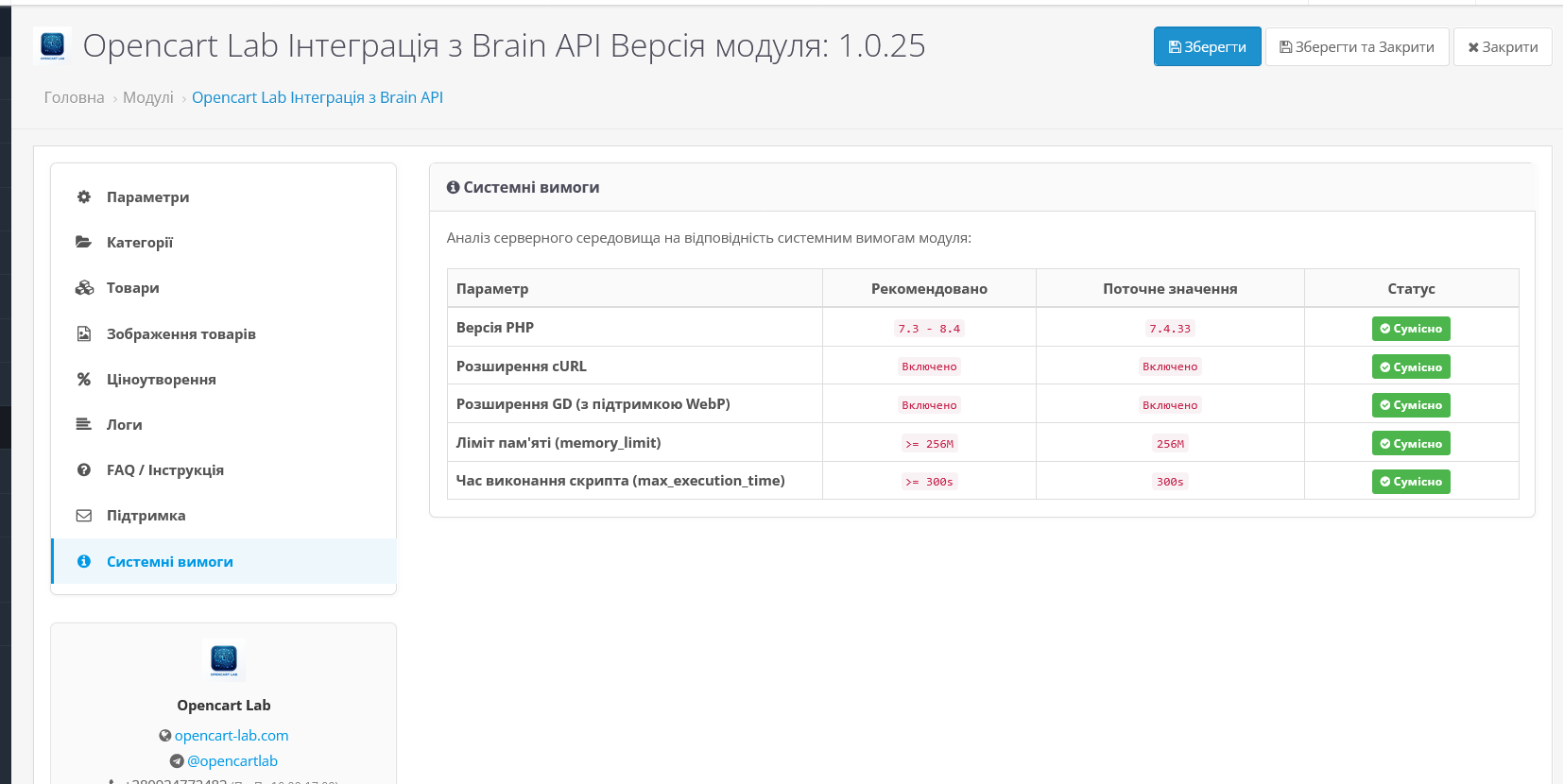
| Checking system requirements in the admin panel | ✓ |
| OpenCart 3.x and 4.x support | ✓ |
| Interface: Ukrainian, Russian, English | ✓ |